
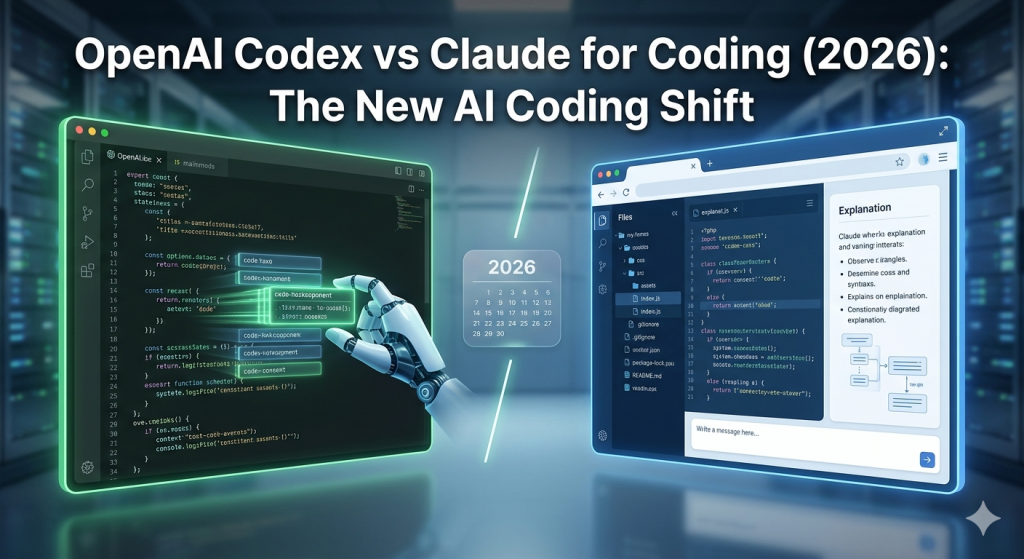
For a while, the AI coding conversation was simple:
ChatGPT vs Claude
One felt fast and flexible.
The other felt structured and thoughtful.
If you were learning to code with AI, that was your choice.
But that conversation is changing.
There’s a new contender that’s not just good at coding, it’s built for coding:
OpenAI Codex
And now the real comparison is:
OpenAI Codex vs Claude for coding
What Changed? From General AI to Coding-Focused AI
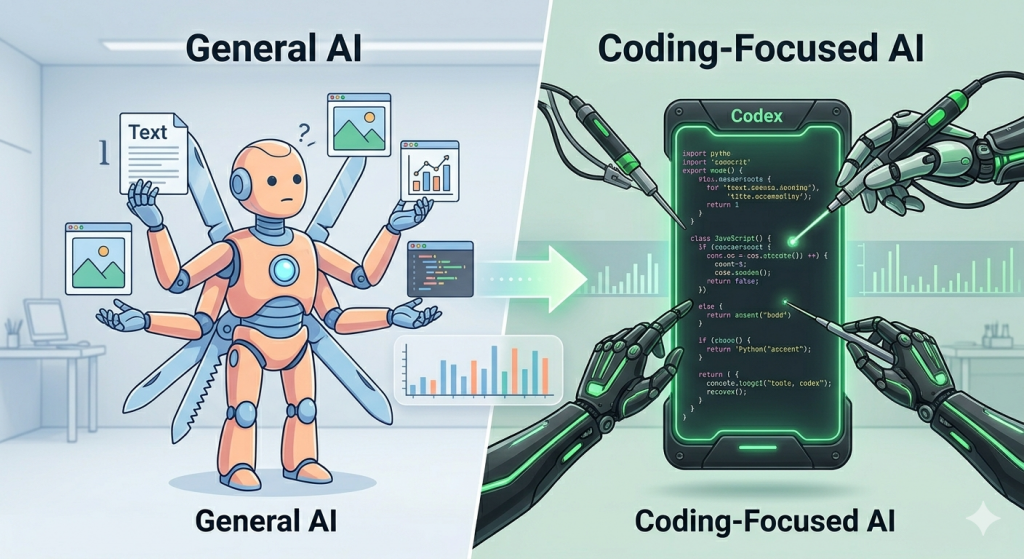
Tools like ChatGPT and Claude made coding accessible.
You could:
- Describe what you want
- Get working code
- Fix errors with simple prompts
But here’s the limitation:
These tools were built for everything, not just coding
That’s where Codex stands out.
What is OpenAI Codex?
OpenAI Codex is designed specifically for programming tasks.
It’s optimized to:
- Generate accurate code
- Understand programming patterns
- Work across multiple languages
- Integrate into developer workflows
Think of it as a coding engine, not just a chatbot.
What is Claude (for Coding)?
When people say “Claude Code”, they usually mean using
Claude for coding tasks.
Claude is not a coding-only tool, but it’s extremely strong at:
- Explaining code clearly
- Structuring outputs cleanly
- Handling long prompts/files
- Helping beginners understand logic
It feels more like a teacher than a tool
OpenAI Codex vs Claude for Coding: Key Differences
| Feature | OpenAI Codex | Claude |
| Purpose | Coding-focused | General AI (with strong coding ability) |
| Output style | Fast, execution-focused | Structured, explanation-focused |
| Learning support | Limited explanations | Strong explanations |
| Speed | Very fast | Moderate |
| Best for | Developers, production use | Beginners, learning |
Real Example: Same Prompt, Different Experience
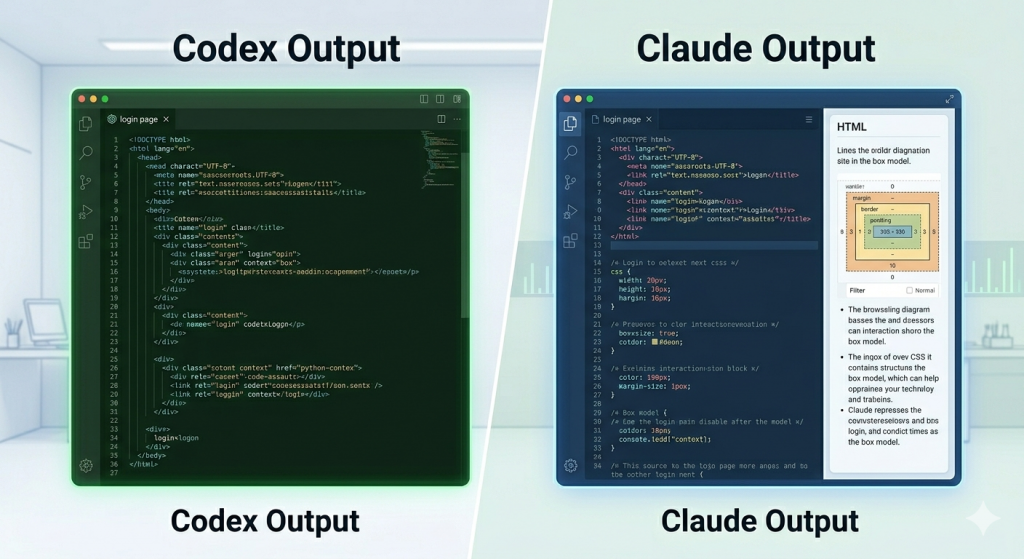
Prompt:
Create a simple login page using HTML and CSS
With Codex:
- Fast output
- Functional code
- Minimal explanation
With Claude:
- Cleaner structure
- Explanation included
- Easier to modify
Codex helps you build faster
Claude helps you understand better
Which is Better for Beginners: Codex or Claude?
If you’re just starting:
Claude is the better choice
Because:
- It explains what’s happening
- Helps you learn while building
- Reduces confusion
Codex is powerful, but:
- Assumes more context
- Focuses on execution, not teaching
How to Use Codex and Claude Together (Best Workflow)
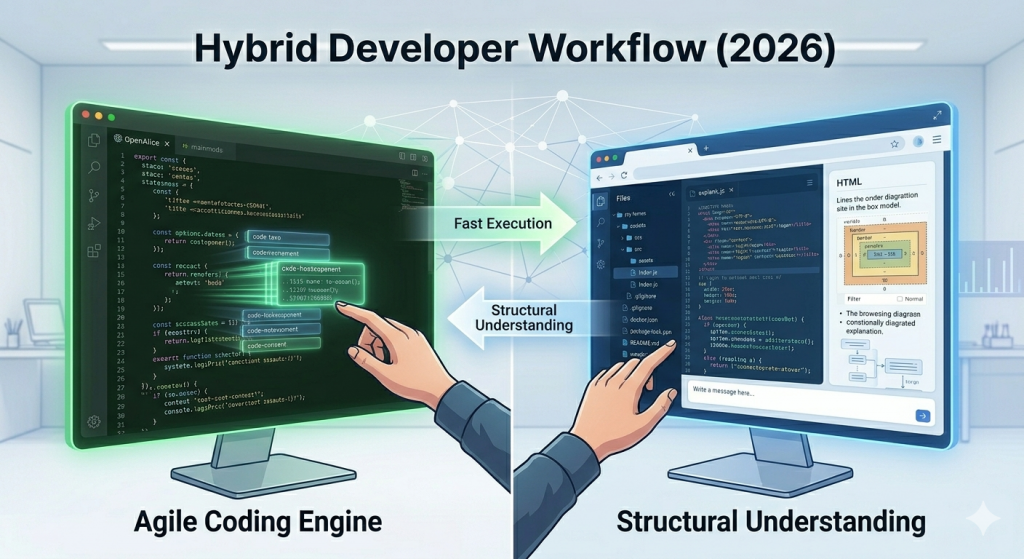
This is where things get interesting.
Instead of choosing one, combine both:
Step 1: Use Codex to
- Generate initial code
- Build fast
- Handle repetitive tasks
Step 2: Use Claude to
- Understand the code
- Debug properly
- Improve structure
This hybrid approach is how modern developers are working in 2026
Common Mistakes When Using AI for Coding
No matter which tool you use:
- Writing vague prompts
- Expecting perfect output instantly
- Not reading the code
- Not iterating
AI doesn’t replace thinking, it amplifies it
Can AI Tools Replace Coding Skills?
Short answer: No.
Tools like OpenAI Codex and Claude can:
- Speed up development
- Reduce manual effort
But they don’t replace:
- Problem-solving
- Logic building
- Debugging skills
They change how you learn, not whether you need to learn
Final Verdict: Codex vs Claude
- Choose Codex if you want speed and execution
- Choose Claude if you want clarity and learning
Use both if you want the best results
FAQs
What is OpenAI Codex used for?
OpenAI Codex is used for generating and understanding code, especially in developer workflows and automation.
Is Codex better than Claude for coding?
Codex is better for fast execution, while Claude is better for learning and understanding code.
Can beginners use OpenAI Codex?
Beginners can use it, but Claude is generally easier to start with because of its explanations.
What is Claude Code?
“Claude Code” is an informal term that refers to using Claude for coding tasks.
Want to Learn AI Coding the Right Way?
Join our hands-on AI Coding Workshop in Pune to learn:
• How to use tools like Claude and OpenAI Codex effectively
• AI-assisted coding workflows
• Prompt engineering for development
• Building real-world applications with AI tools
Workshop Details:
👉 https://semat.in/vibe-coding-workshop/
If you want to go beyond experimenting and actually build projects using AI tools:
Our courses help you:
- Build real-world apps
- Write effective prompts
- Understand AI-generated code
- Use tools like Claude and OpenAI Codex effectively
Start with:
- Vibe Coding Tools Course
- Prompt Engineering Course
- Agentic AI Course