

If you’ve ever tried learning to code, you know how it usually goes.
You start with motivation, open a tutorial, and within minutes you’re stuck on syntax, errors, or concepts that don’t make sense yet.
That’s exactly why tools like Claude are becoming popular.
Instead of learning everything first, you can now start building by simply describing what you want.
This guide will show you how to use Claude for coding even if you’re a complete beginner.
What is Claude and How Does It Help in Coding?
Claude is an AI assistant developed by Anthropic that can generate, explain, and improve code based on simple instructions.
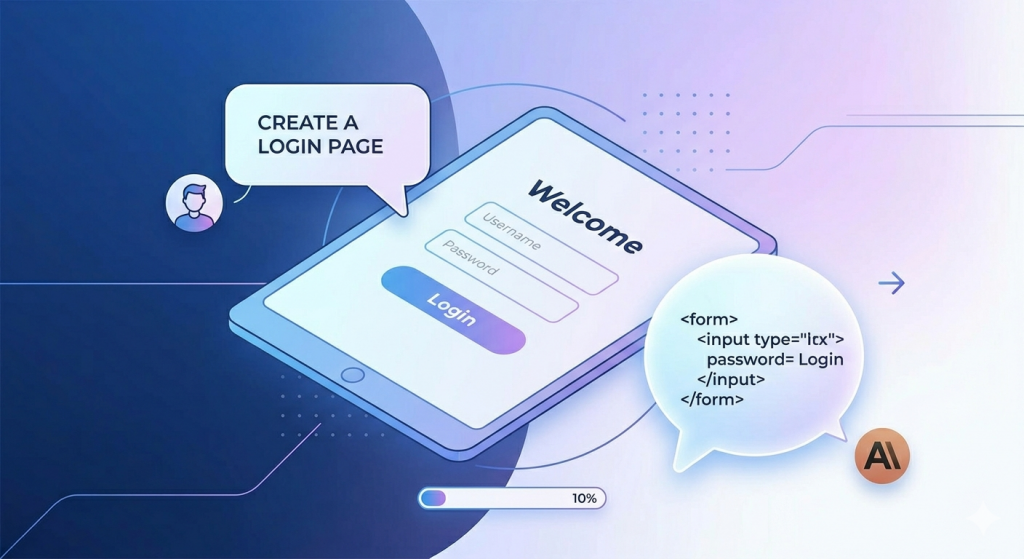
Instead of writing code line by line, you can say:
“Create a simple login page using HTML and CSS”
…and Claude will generate it for you.
It works like a coding partner that:
- Writes code
- Fixes errors
- Explains what’s happening
- Improves your project step-by-step
This approach is often called AI-assisted coding or vibe coding.
What Can You Build Using Claude?
Even if you’re just starting out, you can build:
- Simple websites (portfolios, landing pages)
- Basic apps (to-do lists, login systems)
- Chatbots
- Automation scripts
- Small data projects
The key difference is:
You don’t wait to “learn everything” before building.
How to Use Claude for Coding (Step-by-Step)
This is what the actual workflow looks like:
1. Start with a clear prompt
Example:
“Build a simple to-do list app using HTML, CSS, and JavaScript”
2. Review the generated code
Claude will give you complete code.
3. Run the code
Paste it into a file or editor and test it.
4. Refine using follow-ups
Ask things like:
- “Add a delete button”
- “Fix the styling”
- “Explain this part of the code”
Coding becomes an iterative conversation.

Example: Build a Simple Login Page Using Claude
Here’s what a real beginner workflow looks like:
Prompt:
Create a login page using HTML and CSS
Claude Output (simplified):
<!DOCTYPE html>
<html>
<head>
  <title>Login</title>
</head>
<body>
  <form>
    <input type="text" placeholder="Username" />
    <input type="password" placeholder="Password" />
    <button>Login</button>
  </form>
</body>
</html>
Give feedback
Now you can say:
“Make this look better with styling”
And Claude improves it.
This is how you learn by building, not memorizing.
Why Beginners Are Using AI for Coding
There’s a reason this approach is growing fast:
- You don’t get blocked at the start
- You see results quickly
- You learn through real projects
- You can experiment freely
For many people, this removes the biggest barrier: getting started.
Limitations (What No One Tells You)
Let’s keep this honest:
- Claude won’t always give perfect code
- You’ll still need to debug
- Bad prompts = bad results
- If you don’t try to understand, you won’t improve
AI helps but it doesn’t replace thinking.
Claude vs Traditional Coding (Quick Comparison)

| Traditional Learning | AI-Assisted Coding |
| Learn syntax first | Build first |
| Slow early progress | Faster results |
| High frustration | Lower entry barrier |
| Strong fundamentals | Requires self-learning effort |
The best approach is combining both.
Tips to Use Claude Effectively
If you want better results:
- Be specific with prompts
- Break problems into smaller tasks
- Ask for explanations
- Iterate instead of expecting perfect output
Treat it like a collaborator, not a magic tool.
Final Thoughts
AI tools like Claude are changing how people start coding.
You no longer need to spend weeks learning basics before building something.
You can start creating from day one and improve as you go.
That shift is what makes this powerful.
Want to Learn AI Coding the Right Way?
If you want to go beyond random prompts and actually build projects using AI tools like Claude, you need a structured approach.
Join our hands-on AI Coding Workshop in Pune where you’ll learn:
• How to write effective prompts
• Build real-world projects with AI
• Debug and improve AI-generated code
• Think like a developer using AI tools
Workshop Link:
👉 https://semat.in/vibe-coding-workshop/
In our Vibe Coding course, you’ll learn:
- How to write prompts that actually work
- How to build real-world projects step-by-step
- How to debug and improve AI-generated code
- How to think like a developer using AI
Because using AI casually is easy.
Using it effectively is what creates real skills.